Quick Start
Let's quickly walk through the main features of DataMaxi+.
1. Sign Up / Log In
-
Click the Login/Sign Up button at the top right of the DataMaxi+ main page.
-
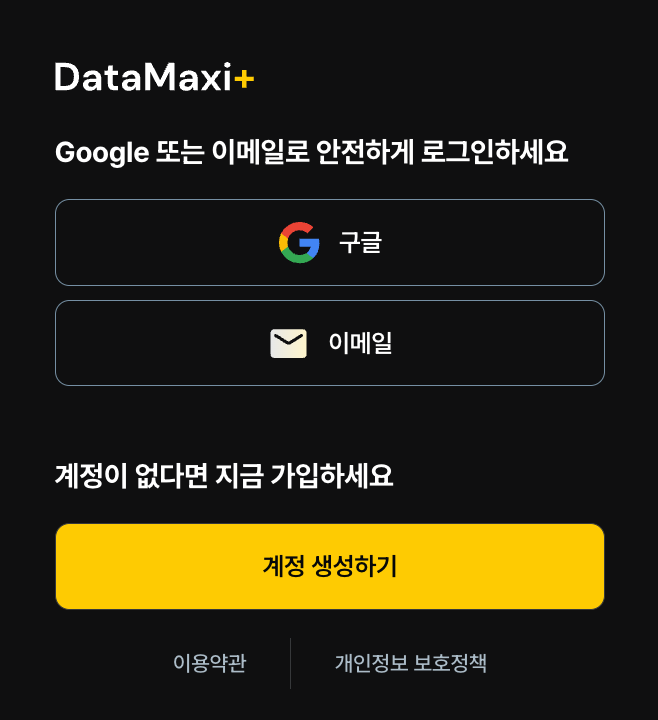
Sign up easily with your Google account or email.
2. Explore the Premium Page
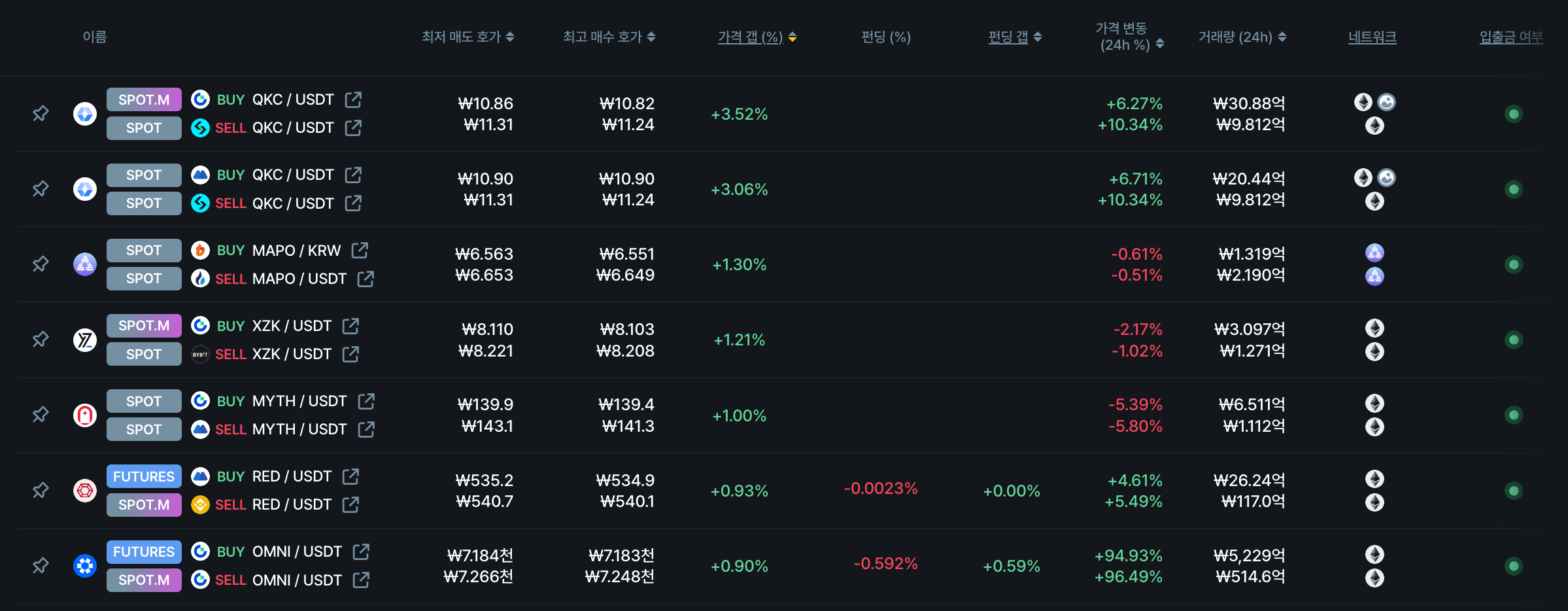
View price differences (premiums) for the same token across different exchanges at a glance, including price gaps and funding rate gaps.
-
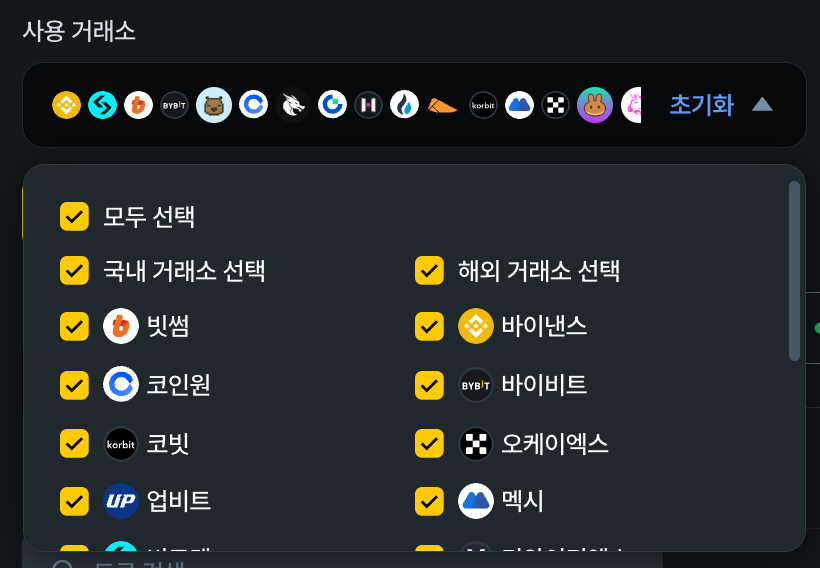
Select your preferred exchanges.
-
Choose your strategy:
Spot-Spot,Spot-Futures, orFutures-Futures.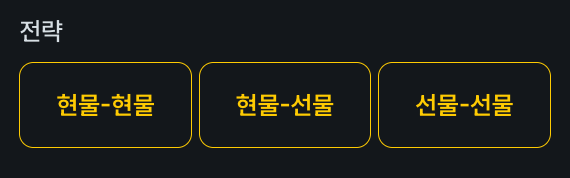
-
Set filtering options like
Hide pairs with < $100K 24h volumeandShow only transferable strategies.
-
That's it! With just a few settings, you can start finding arbitrage opportunities.
3. Explore the Funding Rate Page
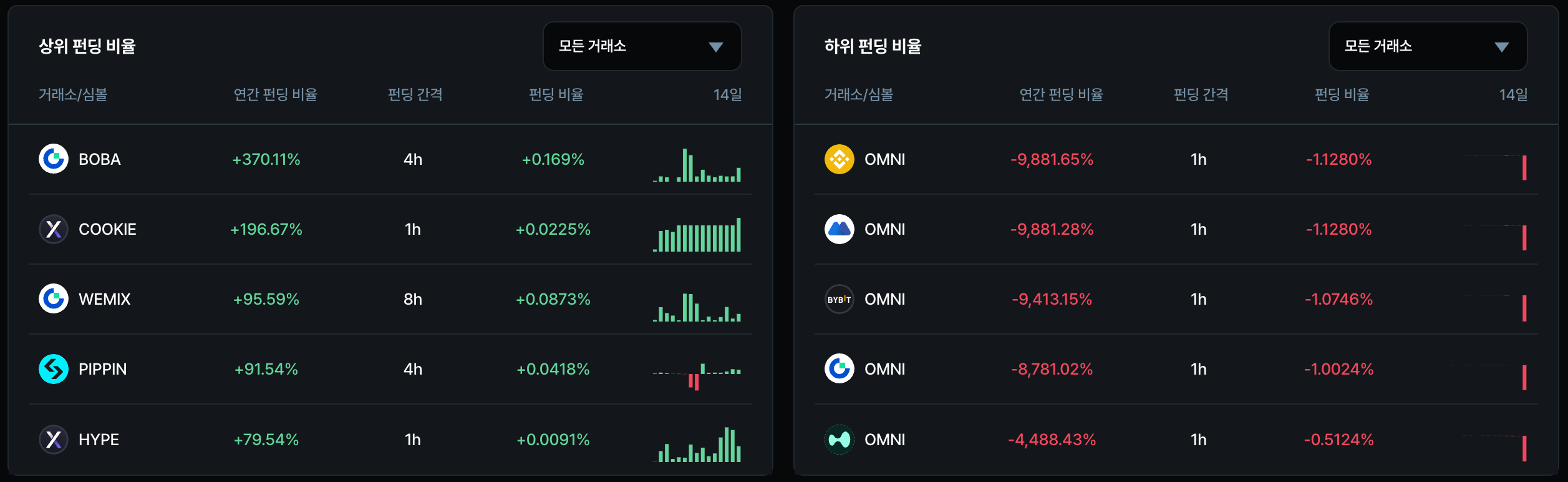
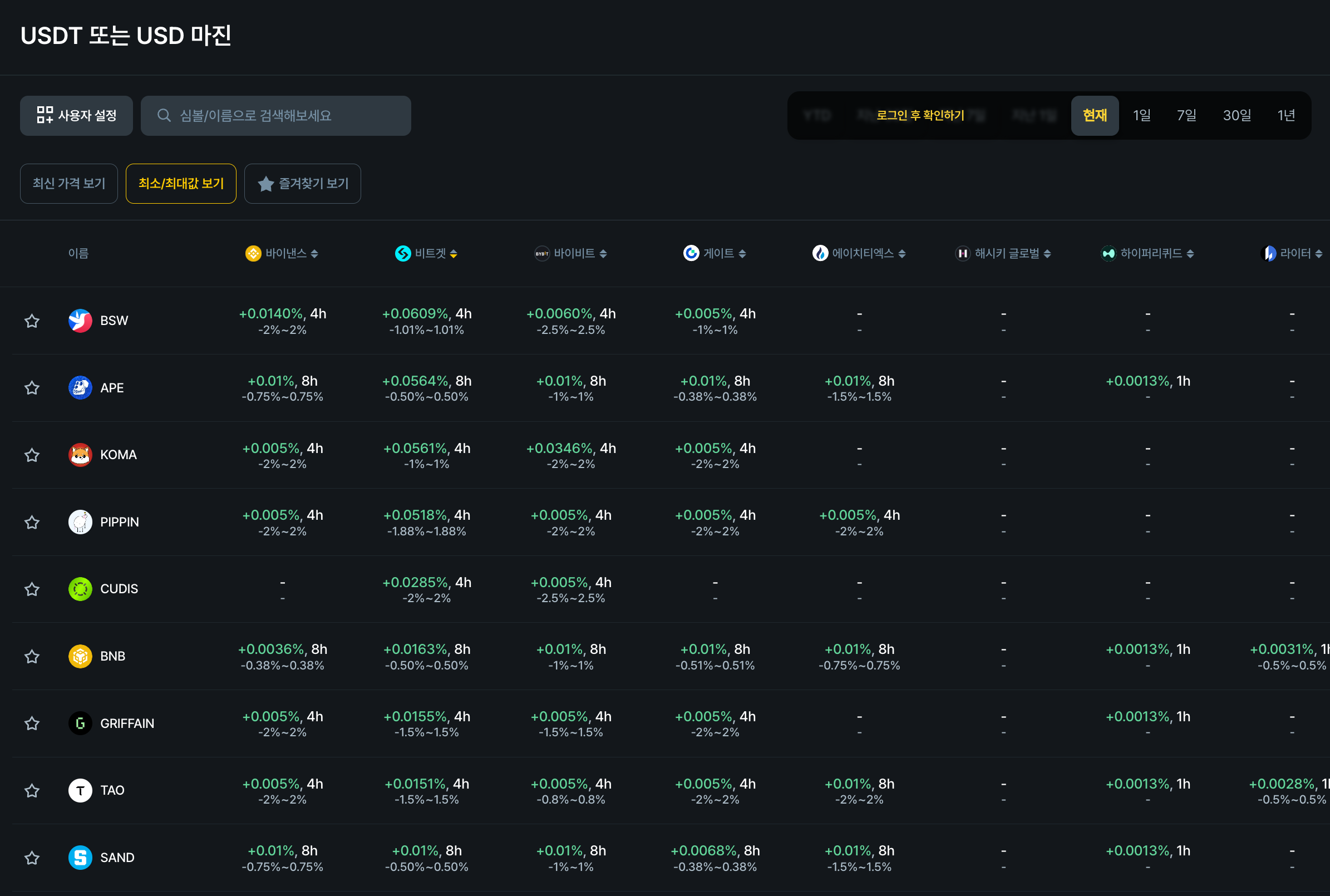
The Funding Rate page shows key metrics for the long/short position balance in perpetual futures markets at a glance.
-
Select the upcoming funding settlement interval.

-
Quickly check the top and bottom funding rate lists.
-
For deeper analysis, refer to the funding rate table for detailed data.
4. Explore the Listing Arbitrage Page (Paid Feature)
When a new token is listed on a Korean exchange's KRW market or a TGE (Token Generation Event) occurs, this page shows exchange prices, hot wallet deposit volumes, and key metrics at a glance. Design your optimal arbitrage strategy with the Listing Arbitrage page.
On days without new listings, review past listing cases provided by DataMaxi+ to study various scenarios and prepare for the next opportunity.